Building Your Retro Gaming Rig
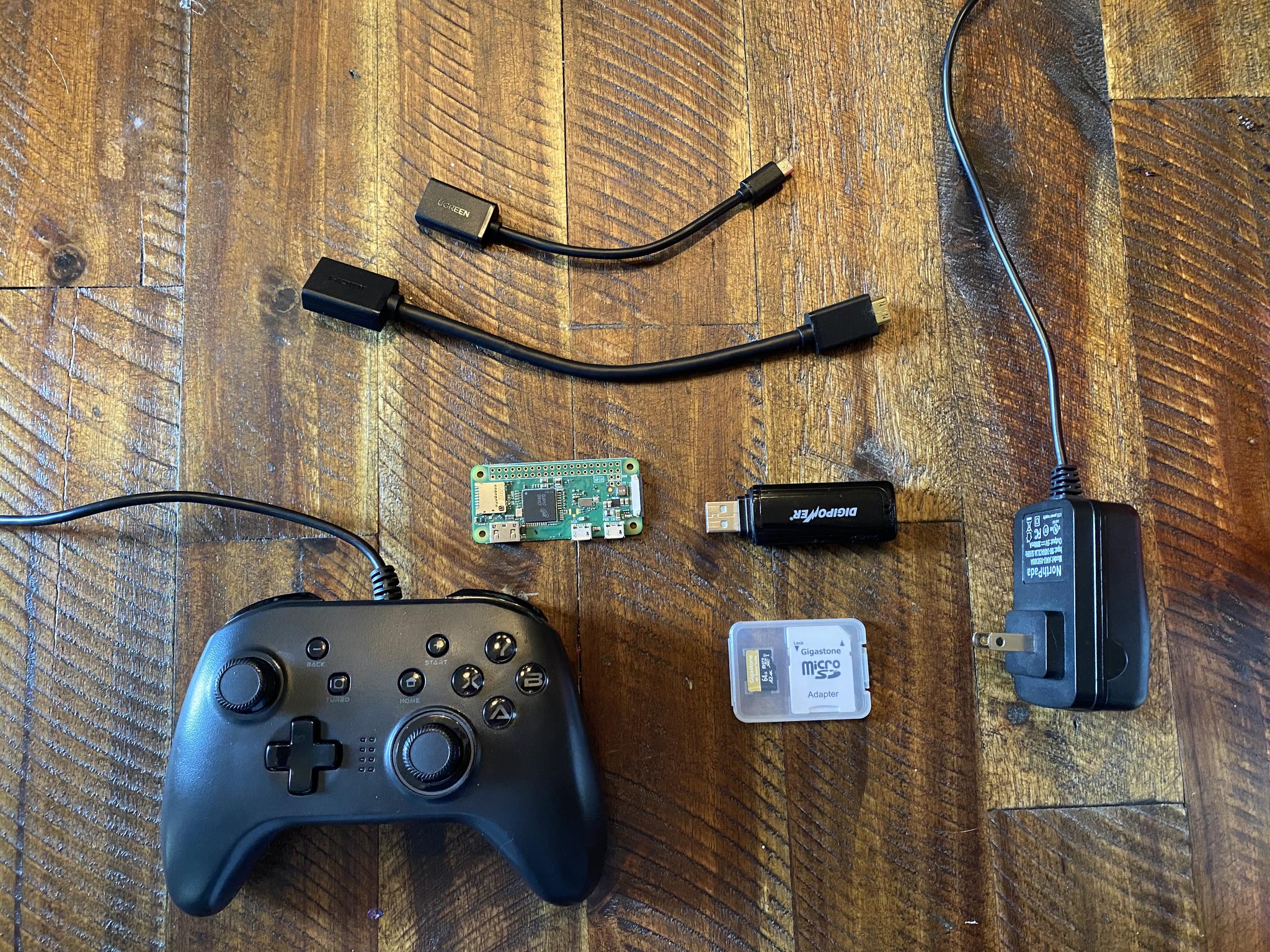
So what do we need to build the retro gaming console of our dreams?
Once you’re ready to dive in, there are a few items to secure. None of the items mentioned here will break the bank, and best of all, you can do this with no soldering or advanced technical skills.
Raspberry Pi Zero W - Buy Here
The first thing you’ll need for this project is a Raspberry Pi. We are using a Raspberry Pi Zero W to make a pretty bare-bones console (as in the board with a few peripherals).
While there are newer and more powerful options for your Raspberry Pi that will work well for this project, we are looking to try and stay under the $59.99 price tag of the NES Classic Edition. The size and price of the Raspberry Pi Zero W are beneficial. Your Raspberry Pi Zero W will cost $10.00 and is smaller than a credit card.
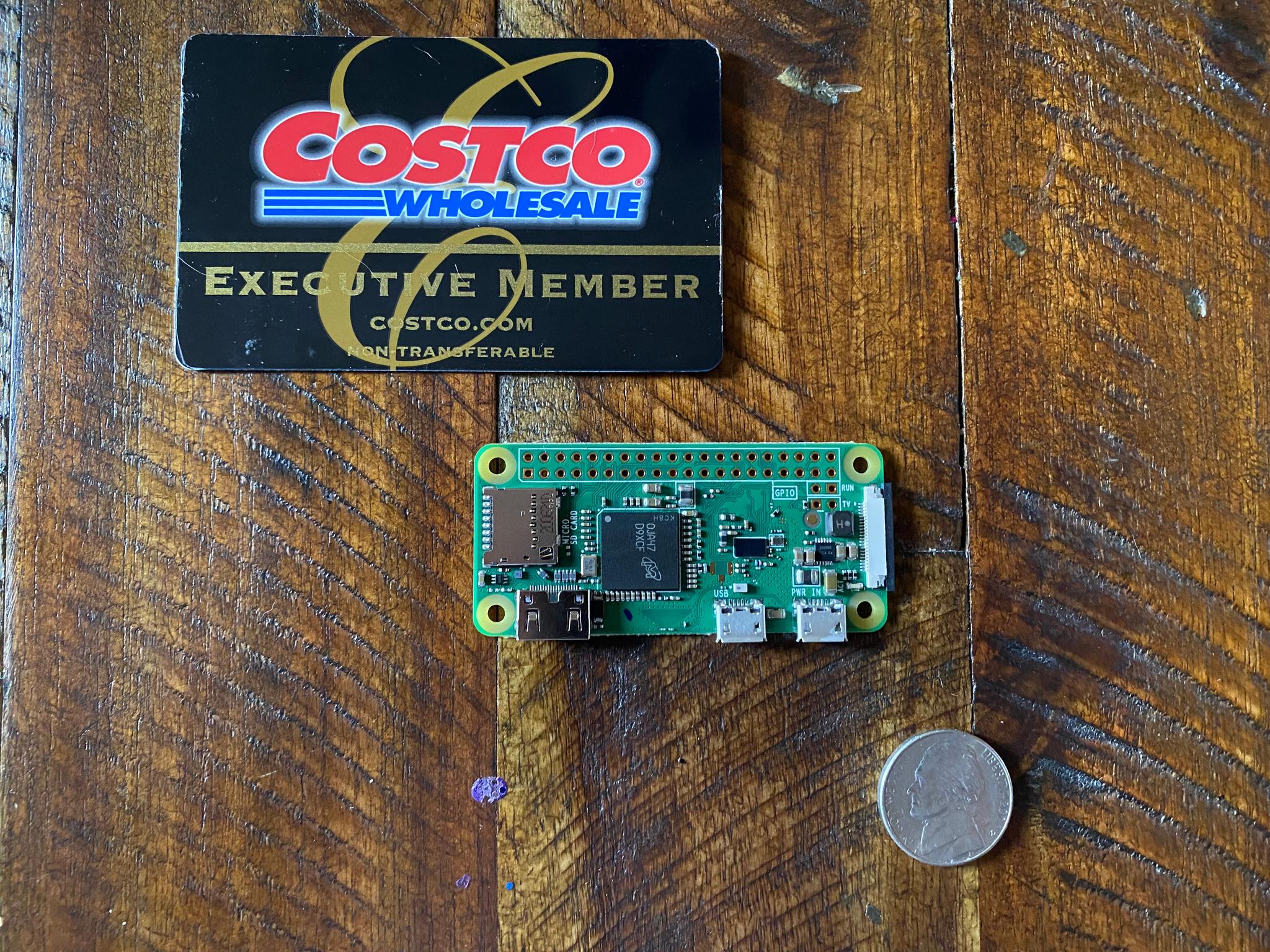
Please note that with the ongoing chip shortage, nearly every type of board offered by the Raspberry Pi Foundation has been out of stock. They do get some in stock from time to time so check back regularly.
Raspberry Pi Zero W Enclosure (Optional But Recommended) - Buy Here
The enclosure I’m recommending includes the case, a heat sink for passive cooling, and the mini HDMI to HDMI adapter which you can skip buying from the list further down if you buy this particular case. The assembly is easy and should only take a few minutes, this particular enclosure even comes with a screwdriver.
Micro SD Card - Buy Here
In all likelihood, you probably have a few of these lying around. While just about any Micro SD card should work for this project, I prefer something that can offer a little more speed since this card will serve as your Pi’s main storage. Any card rated A1 or A2 will work here, but if not your standard Micro SD card will serve you well.
Memory Card Reader - Buy Here
Another item you likely have in a drawer somewhere. You’ll need this to connect your Micro SD card to a PC or Mac for writing the OS image (More on this later).
USB Thumb Drive - Buy Here
And another item that’s probably in that same drawer next to your card reader. We’ll need this to transfer ROMs to our Pi. If you have a 32GB USB stick or smaller, your Windows PC will format it correctly as FAT32. If you need one the link to the 8GB option will be more than enough to transfer NES ROMs.
Power Supply (5V 2.5A) - Buy Here
This power supply will allow us to do everything we need to get our retro game console up and running. However, if you you are using a Raspberry Pi 3 or 3 B+ or you plan to use one in the future then you may want to purchase this 3 amp power supply now, which will also work on your Pi Zero W and only costs an extra $1.
Mini HDMI to HDMI Adapter - Buy Here
The Raspberry Pi Zero W uses a single mini HDMI port for video output. Practically all U.S. screens and monitors use standard HDMI
Micro USB to USB A Adapter - Buy Here
Our Pi Zero W also has a single micro USB. To connect a standard USB keyboard or gaming controller we need an adapter.
Two Button USB Gaming Pads (2 Pack) - Buy Here
To capture the look and feel (for the most part) of the NES I recommend the Suilly 2 Pack USB Controller. The controllers feel solid and I have found that you get the least amount of latency with Suilly for a two-button controller. If you want to play Super Nintendo and Sega Genesis games on your Raspberry Pi you’ll need the Retroflag controller mentioned below.
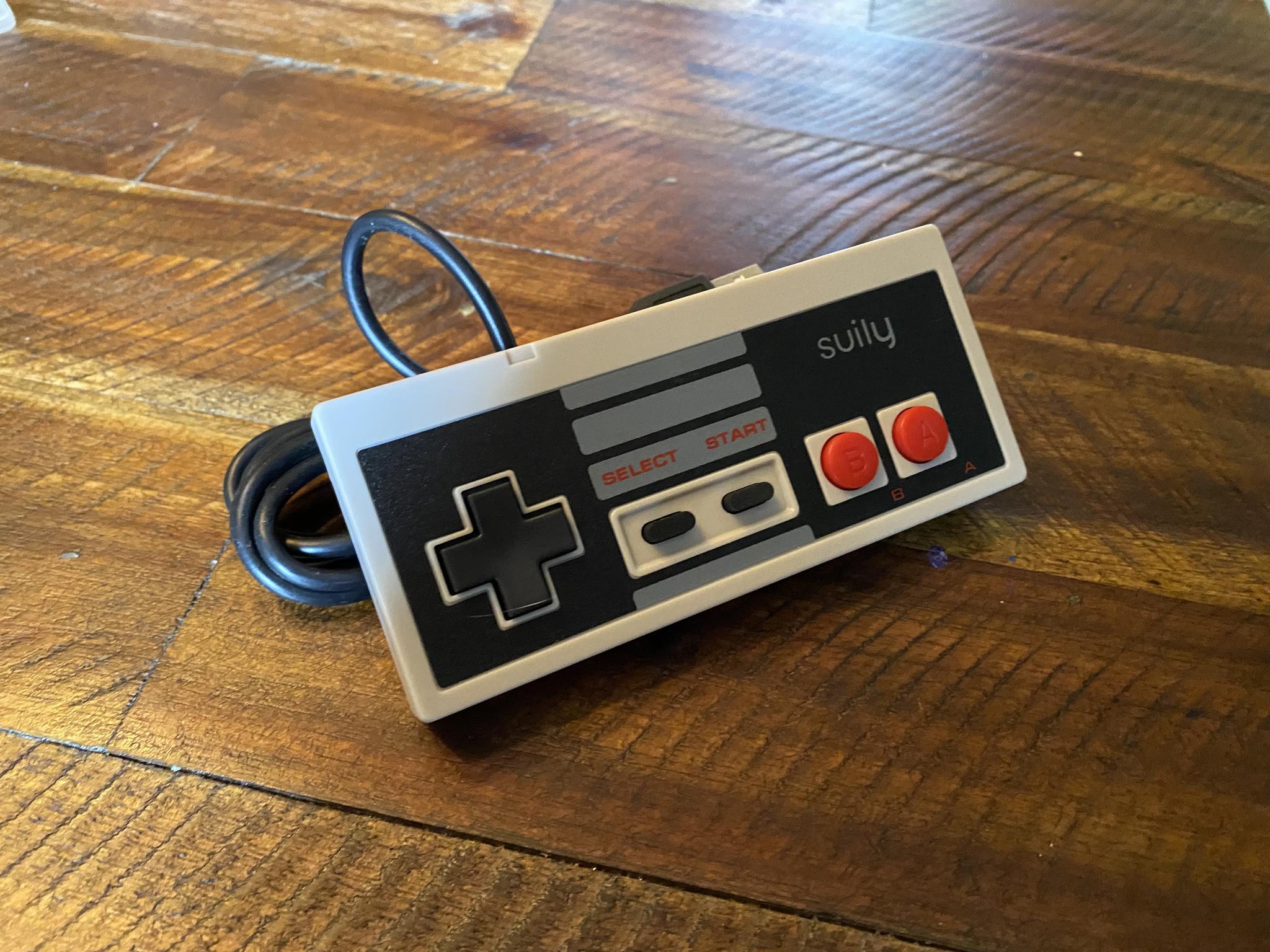
Keep in mind though that with the Raspberry Pi Zero W you can only have one wired controller connected at a time. This means if you want to add a second controller, for games like Contra, it will have to be done wirelessly (more on that later).
If these controllers are out of stock, as they sometimes are, or if you would like another option, I would recommend the Retroflag Classic Wired USB Gaming Controller. Retroflag's controllers cost a little more, but are usually in stock and are best the best retro gaming controllers I have ever used. Retroflag offers their controller in Super Nintendo or Super Famicom colors. Keep in mind you only get one controller with Retroflag.
Compare the Price with the NES Classic Edition
Assuming you had to purchase every item from the “Buy Here” links and didn’t have anything lying around, the total cost for this Retro Gaming Rig Project would be $64.22. Compare this with NES Classic Edition retail price of $59.99 and we are in the ballpark, and drastically under the asking price for a used NES Classic Edition on eBay. Plus we are going to do much more with this little console than just a handful of games (insert evil laugh here).
In the next article, once you have secured everything you’ll need, we will walk through how to install RetroPie on your brand new Raspberry Pi Zero W.
This article was written and published on a Raspberry Pi 4B 8 GB Model.
Post a comment