Where To Get Our Games?
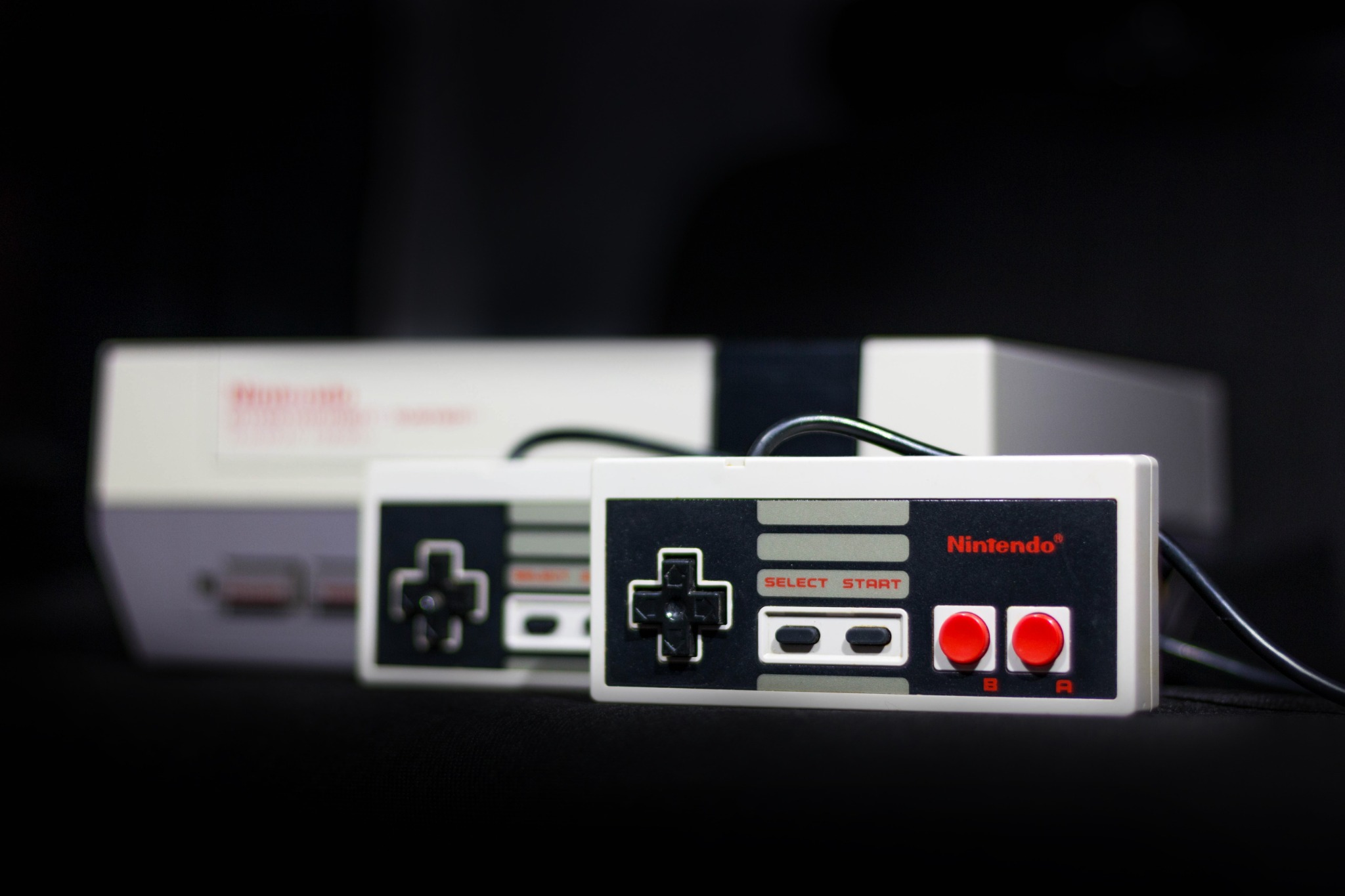 Photo by Tomasz Filipek
We Have Some Options
The games that we are going to be adding to our Raspberry Pi Zero W via RetroPie are called ROMs. Think of a Rom as all the data on your NES cartridge taken and stored in a read-only file. This file can then be used by an emulator to replicate the experience of playing that cartridge on an original NES. So where do we get our ROMs?
Option #1 - The Web
The easiest way to get our ROMs is the internet. While I can’t tell you where to get these ROMs specifically, a simple Google search of - NES No-Intro - Complete Rom Sets - will get you there. You’ll want the second or third option down that starts with [All Consoles].

From here you can download and then unzip the complete library for any system you want to use on your Raspberry Pi Zero W. The systems I have tested that work well on the Raspberry Pi Zero W are the NES, Sega Master System, Atari 2600, Gameboy, Super Nintendo, and Sega Genesis (be sure to use something equivalent to a Retroflag controller or modern PC Controller for SNES and Genesis).
Option #2 - Buy Them
While this may not necessarily score you every game you want it can get you quite a few. For example, if you purchase The Sega Genesis Collection from Steam, every single game in that collection will be downloaded to your PC.
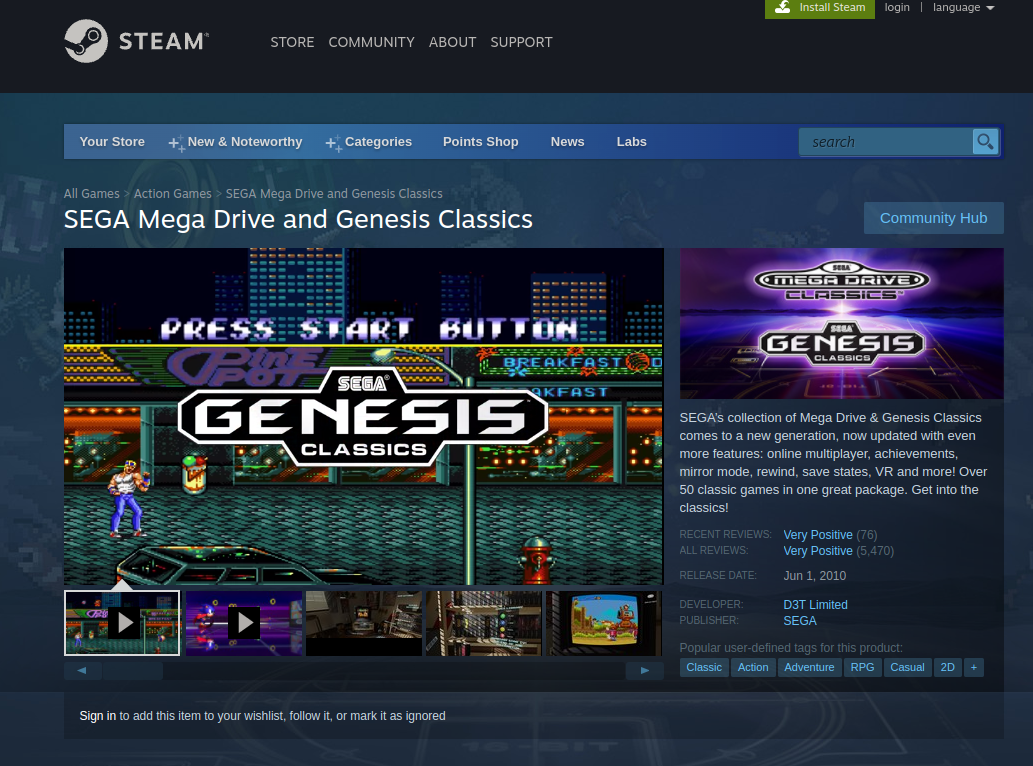
If you take a look at the folders included by Steam on your PC you will notice that there is a folder entitled “Uncompressed Roms” that contains the American, European, and Japanese versions of the games that you purchased. Simply change the extension to either .md or .bin, rename the file to something recognizable, and they are good to go on your Raspberry Pi.
In addition, there are still games being made and sold today for all of your favorite retro systems as well. Typically monetary backing on Kickstarter will get you a copy of the game in ROM format that can be used on your Raspberry Pi.
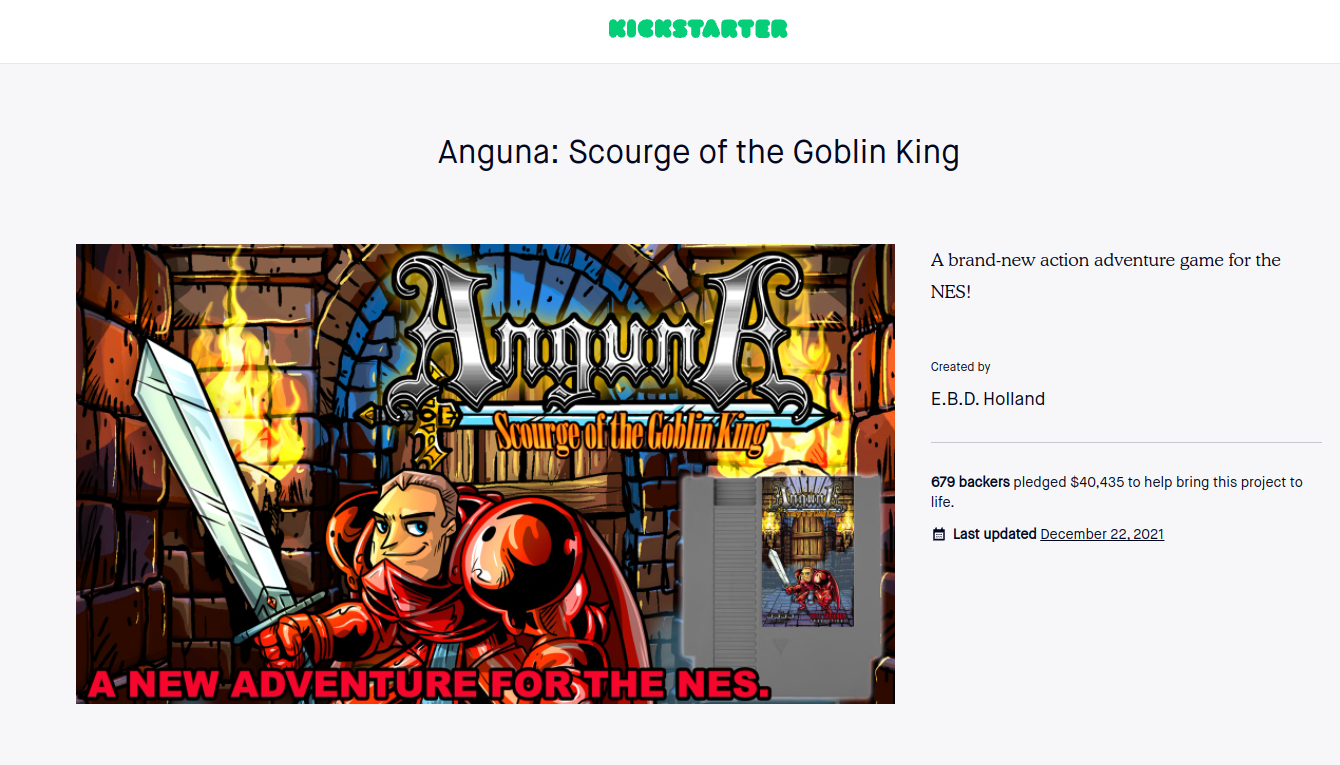
I recently backed an excellent NES game called Anguna Scourge of the Goblin King that now has a Rom available for purchase. Not to mention that there are many available games out there that are just free.
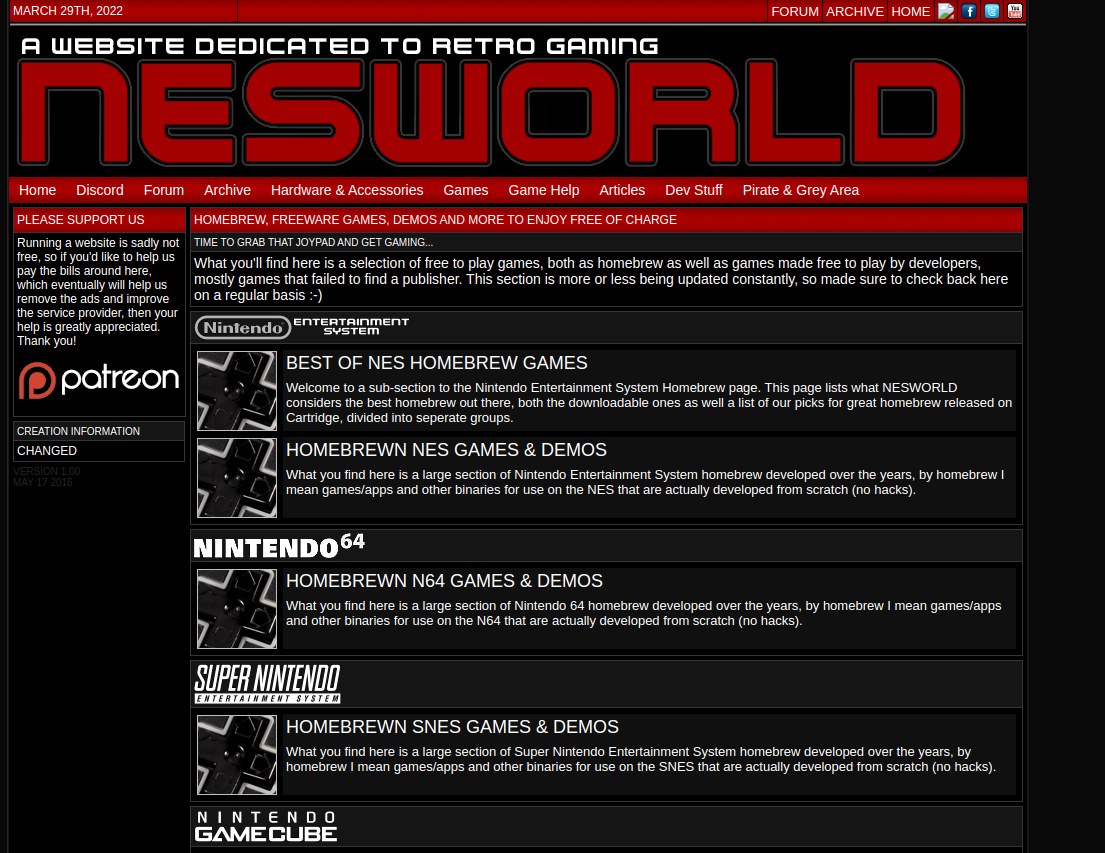
Option #3 - Make Your Own Roms
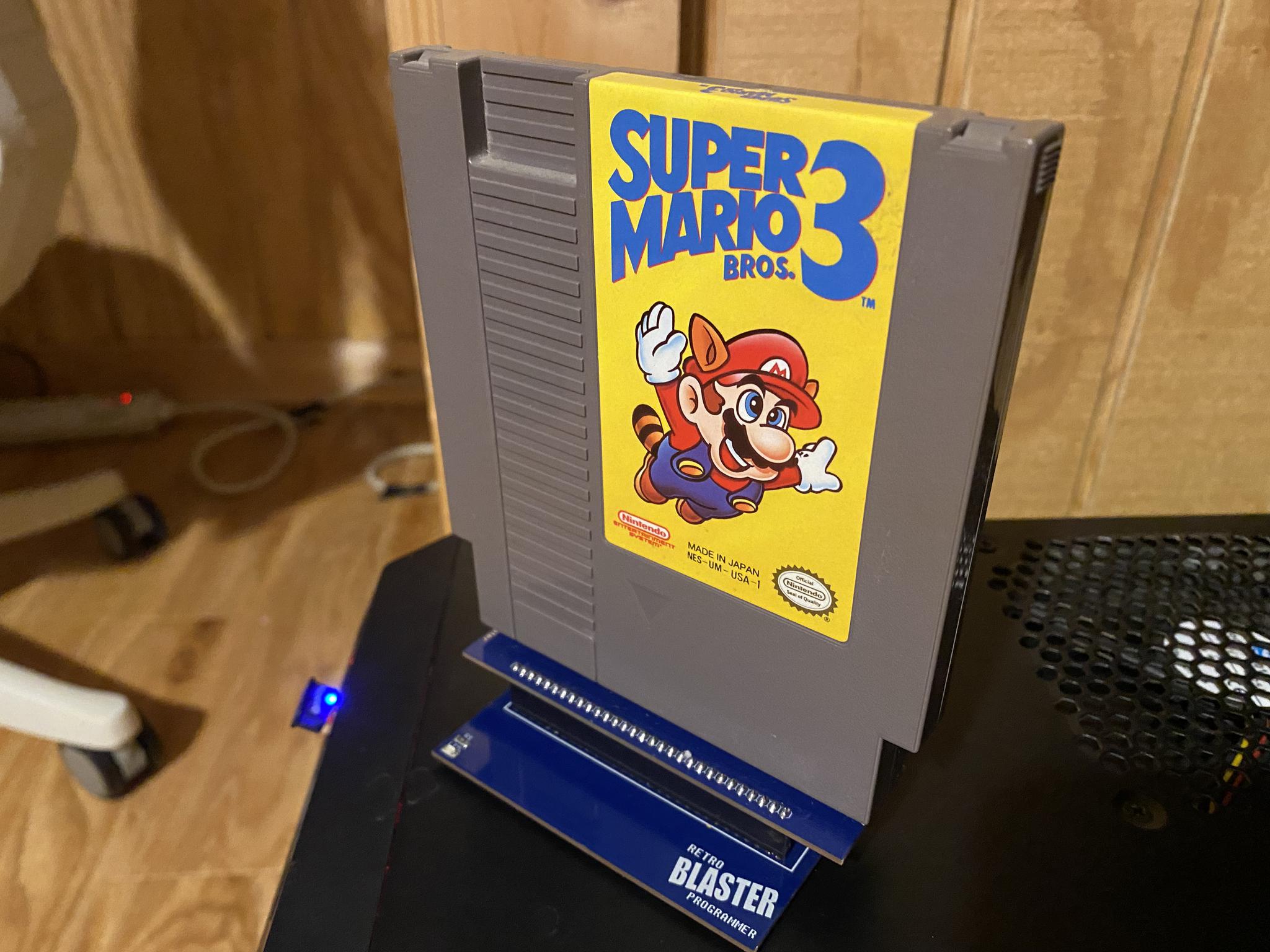
If you have a handful of cartridges and you’d like to create a ROM file from the game you already own, this is possible as well. I use RetroStage and their Blaster to easily dump (making a copy of the rom that is saved on my PC) my NES Cartridges, although they have adapters for a large variety of systems beyond the NES.
The next article in this series will walk through how to get your ROMs onto your Raspberry Pi.
This article was written and published on a Raspberry Pi 4B 8 GB Model.
Post a comment